K–5 speaking practice · teacher pilots open
Brave voices
are built in
tiny reps.
A friendly coach in the browser for facing the camera, pacing, filler words, and volume. Sixty seconds a day for kids. Zero grading pile for teachers.
- Video stays on the device
- Speaking standards SL.4 & SL.6
- Chromebook · iPad · laptop
- No install
- No ads, ever
How a rep works
One minute,
second by second.
No install, no student logins for the demo. A teacher picks the prompt; kids speak; the coach does the rest.
- 00:00
Pick a prompt
Show-and-tell, story retell, opinion speech, book report — or your own.
- 00:05
Speak to the camera
On any Chromebook, iPad, or laptop. No stage, no audience, no pressure.
- 00:30
Get coached, live
Facing the camera, pace, volume, and filler words, with kind nudges in the moment.
- 01:00
Celebrate growth
XP, streaks, and badges reward progress over perfection. Tomorrow, one more rep.
Privacy, drawn plainly
The video
never leaves
the device.
Face detection runs inside the browser. Video is never uploaded, stored, or sent anywhere. One thing does cross the line, and we'd rather show you than bury it.
Read the plain-English privacy page- Camera videoSTAYS HERE
- Face detectionSTAYS HERE
- Scores & historySTAYS HERE
- Spoken audioSEE BELOW ↓SEE ARROW →
The browser's speech-to-text
The browser's built-in speech recognition sends audio to the browser company (Google, Microsoft or Apple) to make the live transcript. Never video. Never to us.
Standards alignment
Practice that
counts for something.
Activities are designed around speaking standards SL.4 and SL.6, so reps become evidence you can point to, with no new rubric to write.
- SL.2.4Tell a story with facts and detailsSpeaking audibly in coherent sentencesTell a Funny Story
- SL.2.6Speak in complete sentencesTo provide requested detail or clarificationExplain How to Make a Sandwich
Who it's for
Three people.
One brave moment.

For teachers
Fits a five-minute warm-up.
Ready-made prompts designed around speaking standards SL.4 and SL.6. No lesson rewrite, no new grading pile.
For educators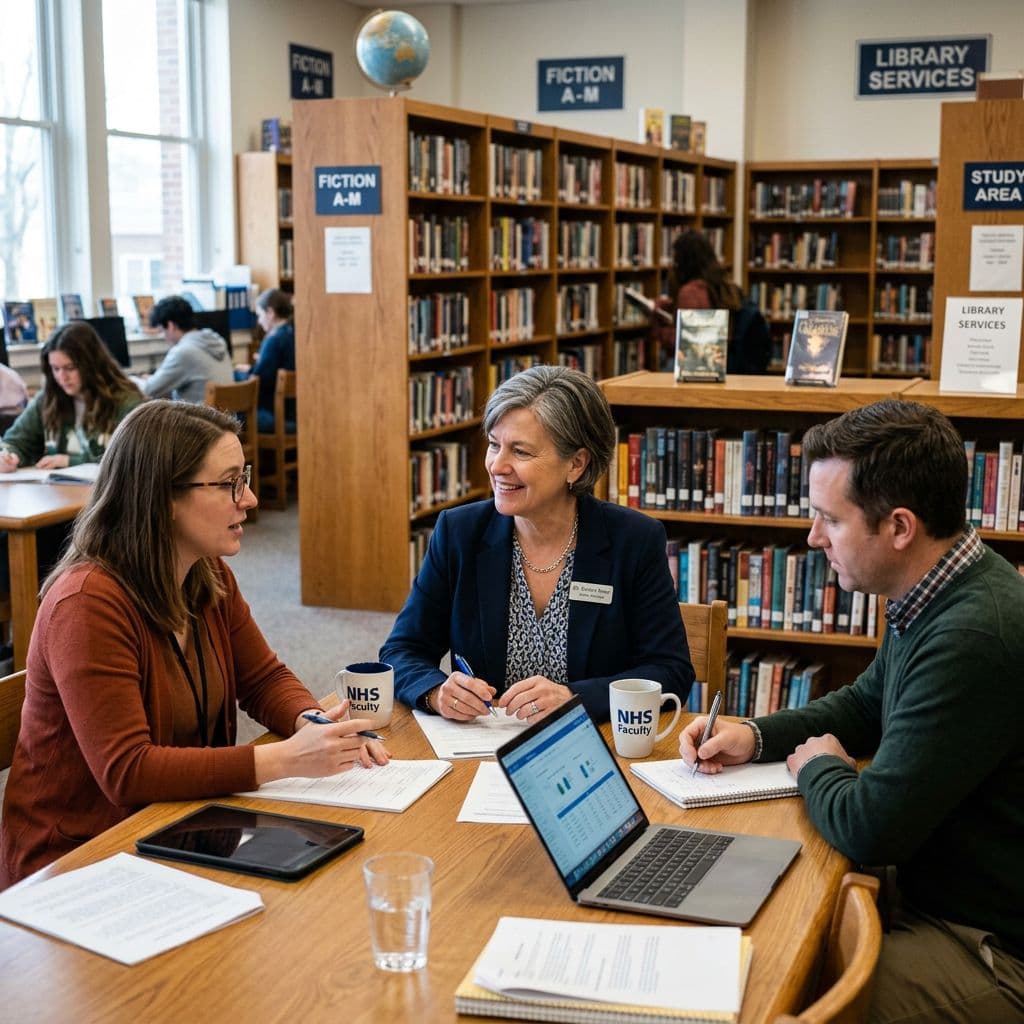
For school leaders & IT
Nothing to install or fear.
Runs in the browser. Video stays on the device. A plain-English privacy page and a DPA on request.
For schools & IT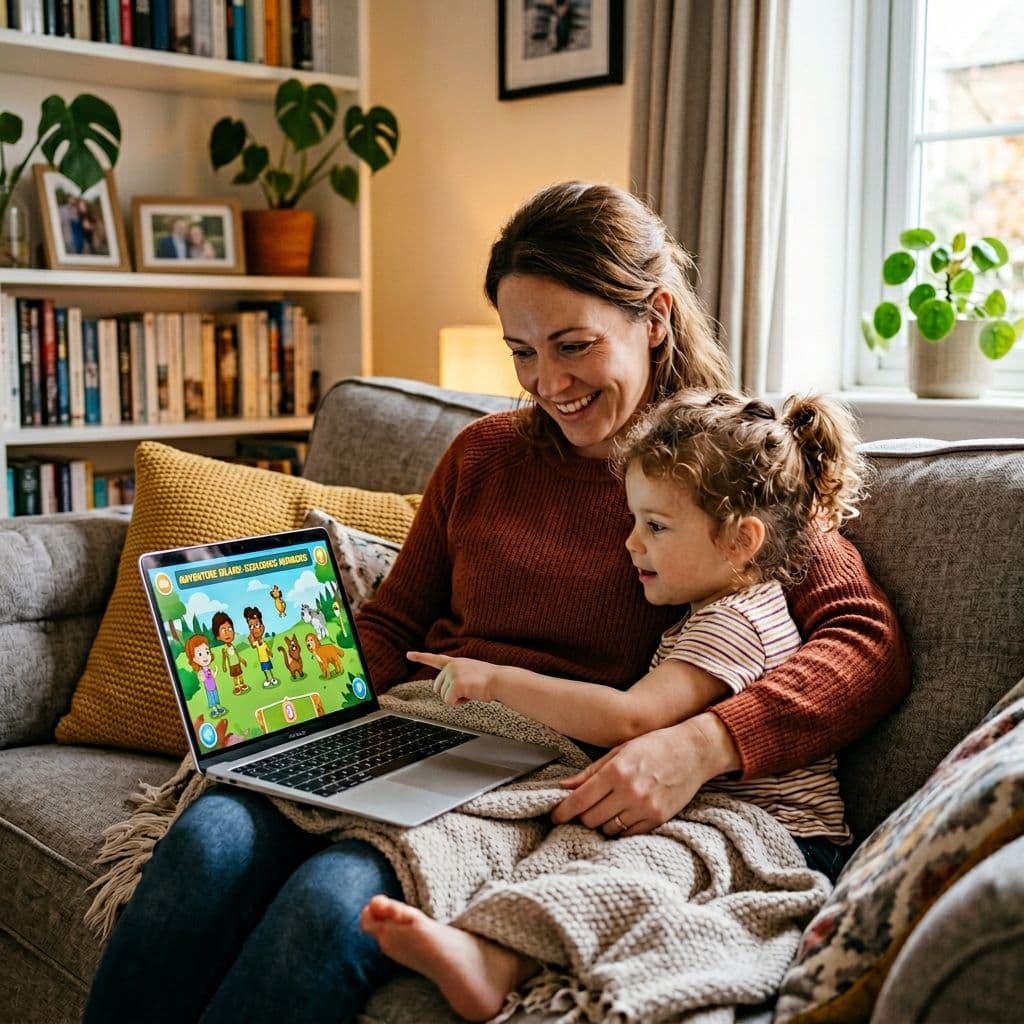
For families
Kind feedback, no ads.
Growth over perfection, built for quiet kids and English learners. Ask your teacher about a pilot.
How we treat kids' data
Pricing · pilot rates
Priced like school supplies.
Per student, per year. Pilots come first; we'll say exactly what's shipped before any paid step.
Classroom
$4/ student / year
One classroom, up to about 35 students. 14 stops across 4 islands, coaching, XP and streaks.
Try the demoSchool
Most pilots start here$3/ student / year
K–5 schools of 100–800 students. Everything in Classroom plus pilot onboarding with our team.
Book a demoDistrict
Let's talk
Multi-school rollouts, with DPA and security review before anything paid. No SOC 2 report yet, and we'll say so.
Get a quote
Title I school? Ask about 50% off →
Questions teachers ask
The things you were about to email us.
Do students need to sign up or create accounts?
During a pilot, no — students practice on a shared device and progress lives on that device. Managed sign-in for paid deployments is roadmap work. Clever and ClassLink rostering: not available yet.
Does the video really never leave the device?
Correct. Face detection runs locally in the browser. Student video is never uploaded, stored, or shared. Spoken audio goes to the browser's speech service (Google, Microsoft or Apple, depending on the browser) to make the live transcript. Video never leaves the device. We describe this in plain English on our privacy page.
What devices does BrightSpeaker work on?
Any modern browser with a camera: Chromebooks, iPads, laptops. No installs required. We officially support Chrome, Edge, and Safari from the last two major versions.
How long does it take to get set up in a classroom?
About five minutes to try the browser demo. For pilots, we set up the classroom workflow with the teacher; managed class entry is roadmap work, not a live self-serve system.
How is BrightSpeaker different from adult speech coaching tools?
Purpose-built for ages 5–11. The language, rewards, prompts, and feedback tone are designed with a child development specialist. Adult-focused tools assume reading ability, self-critique, and long attention spans — things we can't take for granted in K–5.
What about ELL students or speech differences?
BrightSpeaker evaluates growth over time, not a fixed accent or speech target — we celebrate every student's own voice. Spanish prompts and per-student weighting for IEPs are on our near-term roadmap; if your classroom needs them sooner, tell us.
First rep
starts today.
Open the demo on any Chromebook, or start a teacher pilot with a short setup call. No credit card.